Frequently asked questions
Everything to know about Fotografiska Membership

How to purchase a Membership
We offer monthly and annual Membership plans that renew automatically. Explore the benefits on our Membership page. There are three Membership tiers: Member benefits apply to one person, Companion benefits to two people, and Supporter benefits to four people.
1. Choose the plan that suits you best and click the “Become a…” button at the bottom of the page.
2. You’ll then be redirected to the Sign Up page.
* If you already have an account, click “Sign in”.
* If you don’t have an account yet, choose your preferred sign-up method: Google, Apple or email.
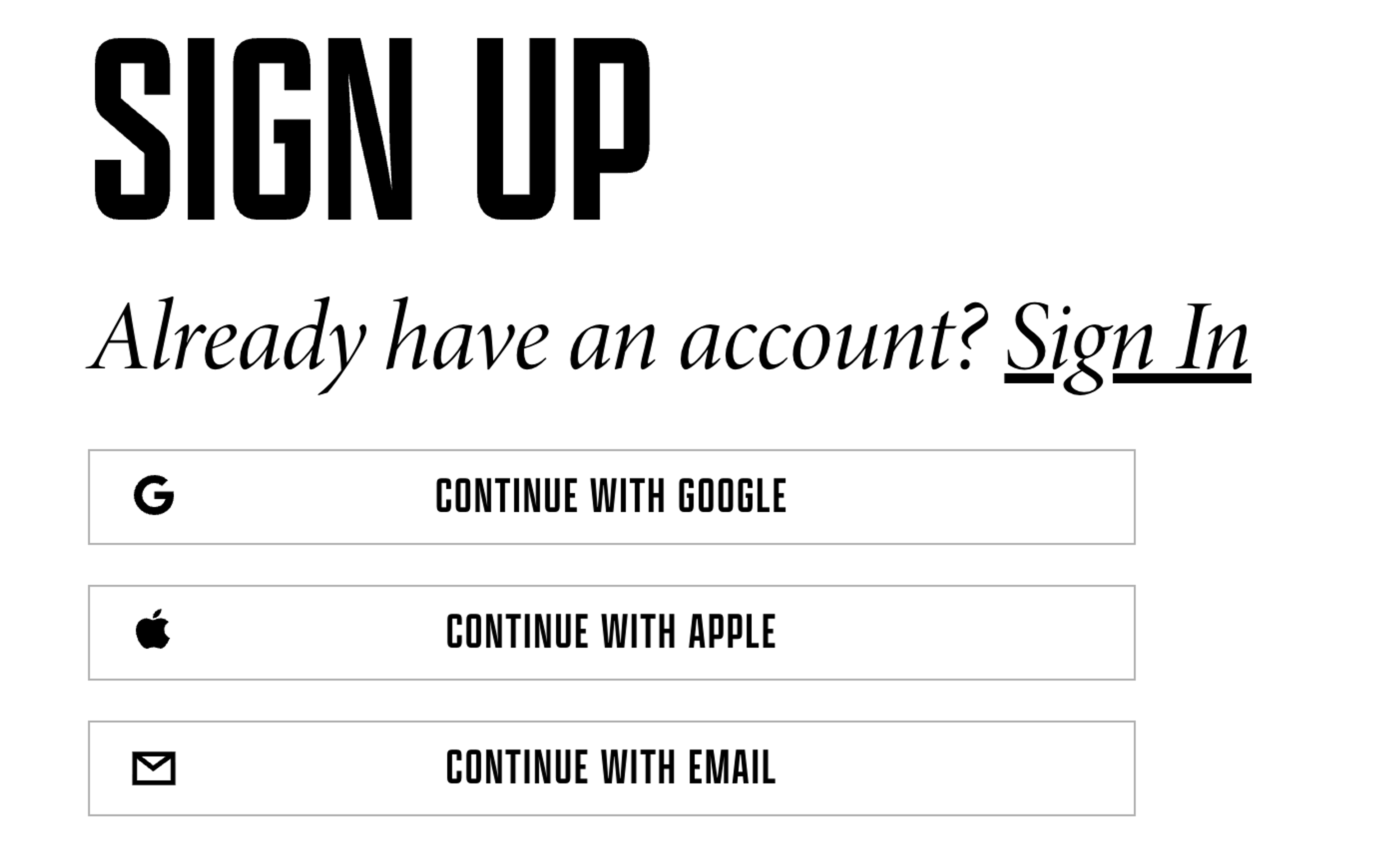
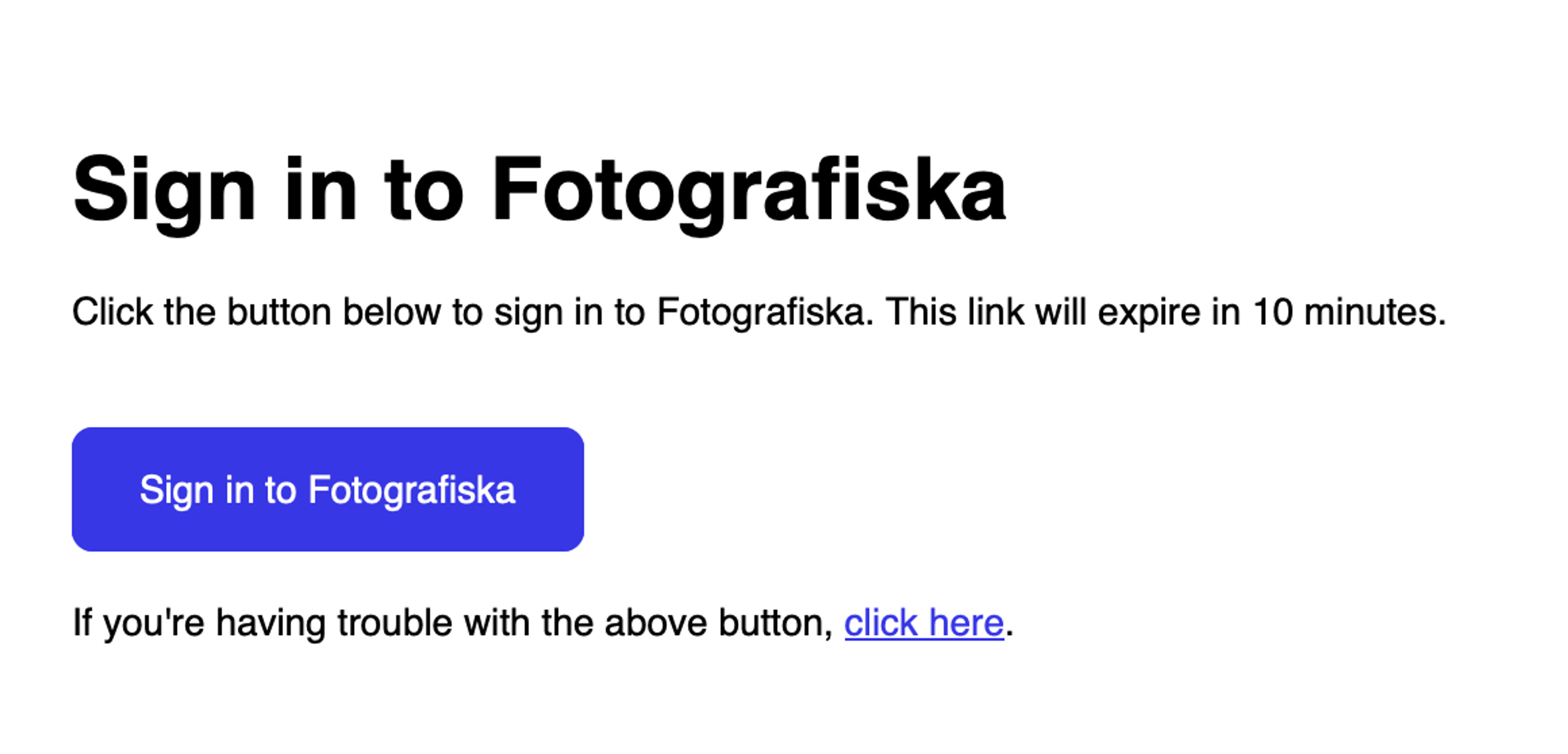
* No password is required in either case: you’ll either be signed in automatically or receive a verification link via email.
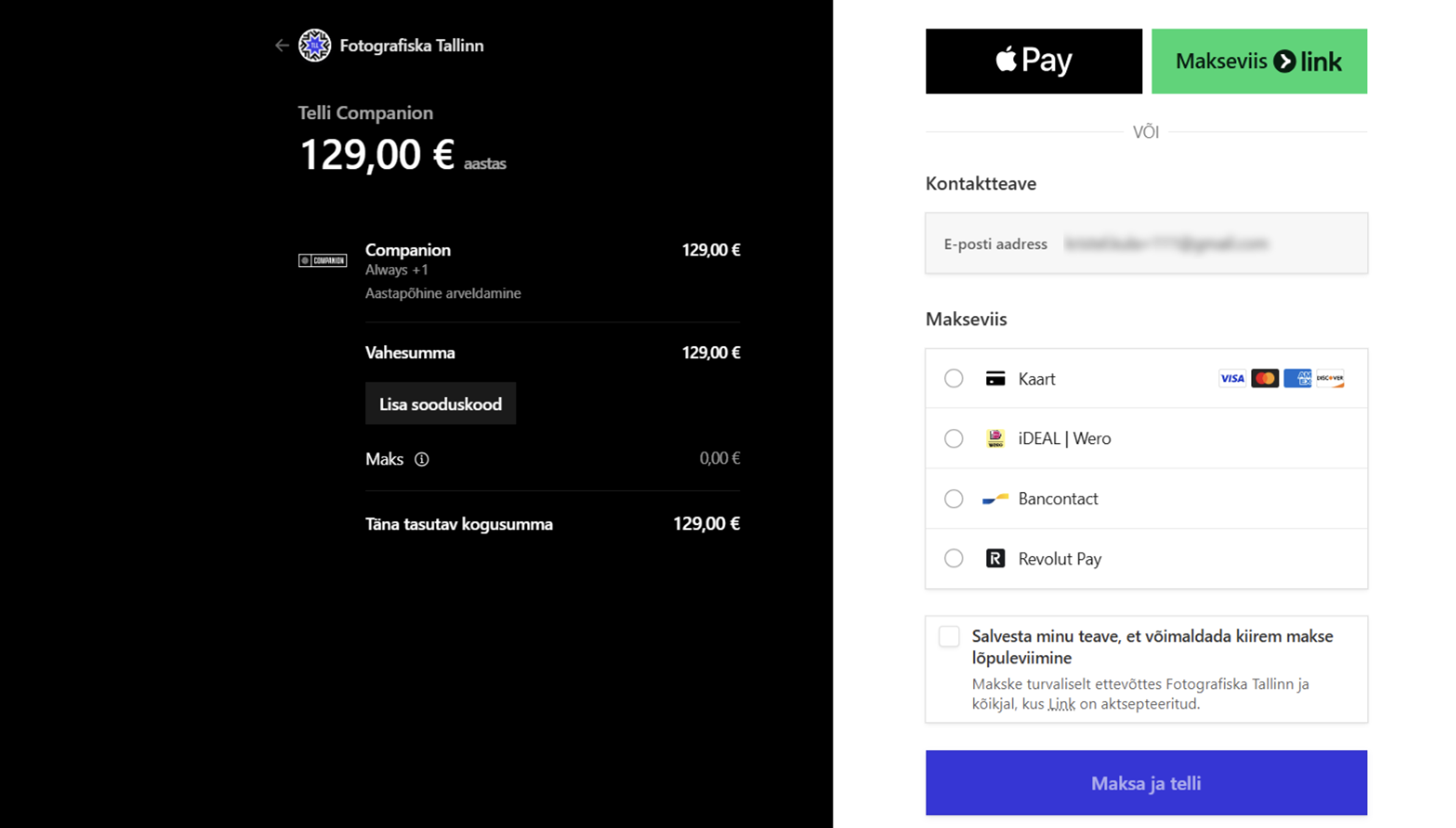
3. You’ll then be redirected to the checkout, where you can choose your preferred payment method (Apple Pay, credit or debit card, etc.). Enter your payment details and complete the purchase.
* If you’d like to switch to a different Membership plan, click the back arrow and select another plan. You’ll then be redirected to the checkout again.
How to activate a gifted Membership
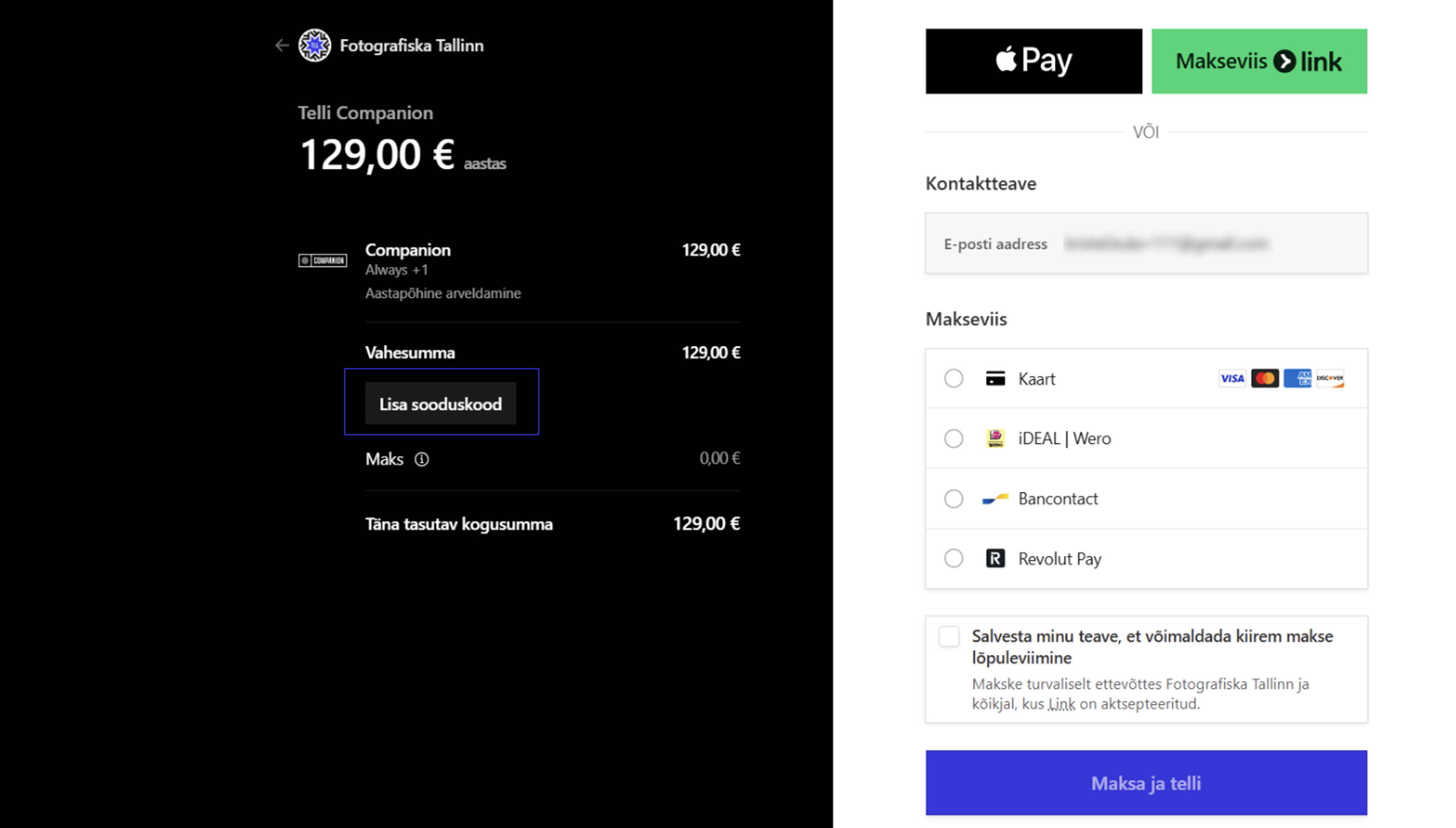
Your Membership gift comes with a gift code, which you can enter in the “Add discount code” field at checkout. The total will then be reduced to €0. Complete the €0 checkout to activate your Membership.
If you’d like to continue your Membership beyond the gifted period, you can add a payment method to your account before it expires. Your Membership will then renew automatically.
Membership online portal
You can access your Membership account at any time using the same email address you registered with. In the online portal, you can:
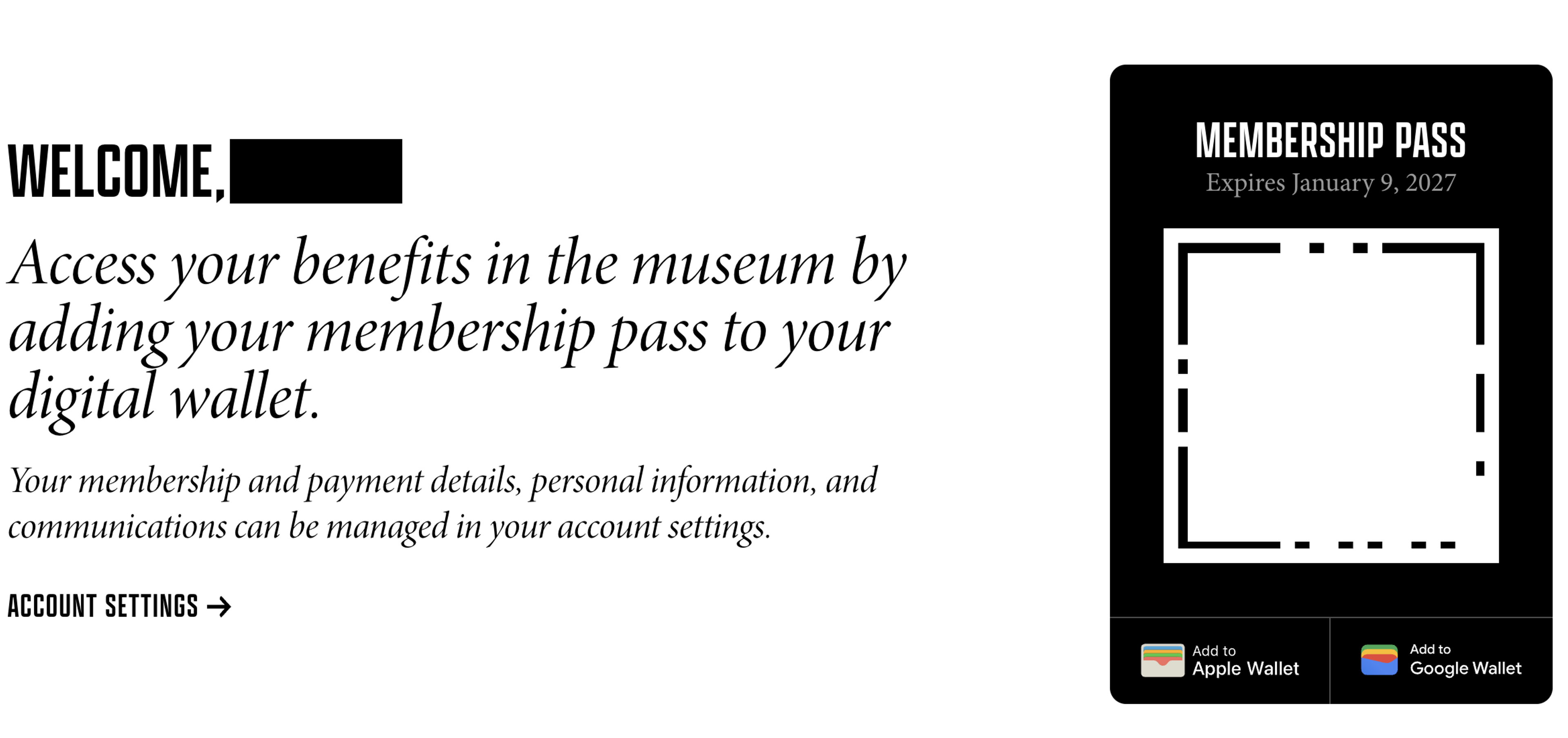
* Add your Membership pass to your phone’s Wallet and check its expiry date.
* Manage your account settings, including updating your personal details, payment methods or Membership plan.
* Cancel automatic renewal if you don’t wish to continue your Membership. Simply log in to your account, go to “Account Settings”, then “Payment Settings”, and select “Cancel Subscription”.
Didn’t find the answer to your question?
Get in touch with us at membership.tallinn@fotografiska.com.